Files and folders
Choose audio in the Android file picker or share files to EchoMint. Cloud files appear when your provider makes them available in the picker.
Offline music player for Android
Import the audio you already have, organize it into playlists, and listen from your device.
Explore features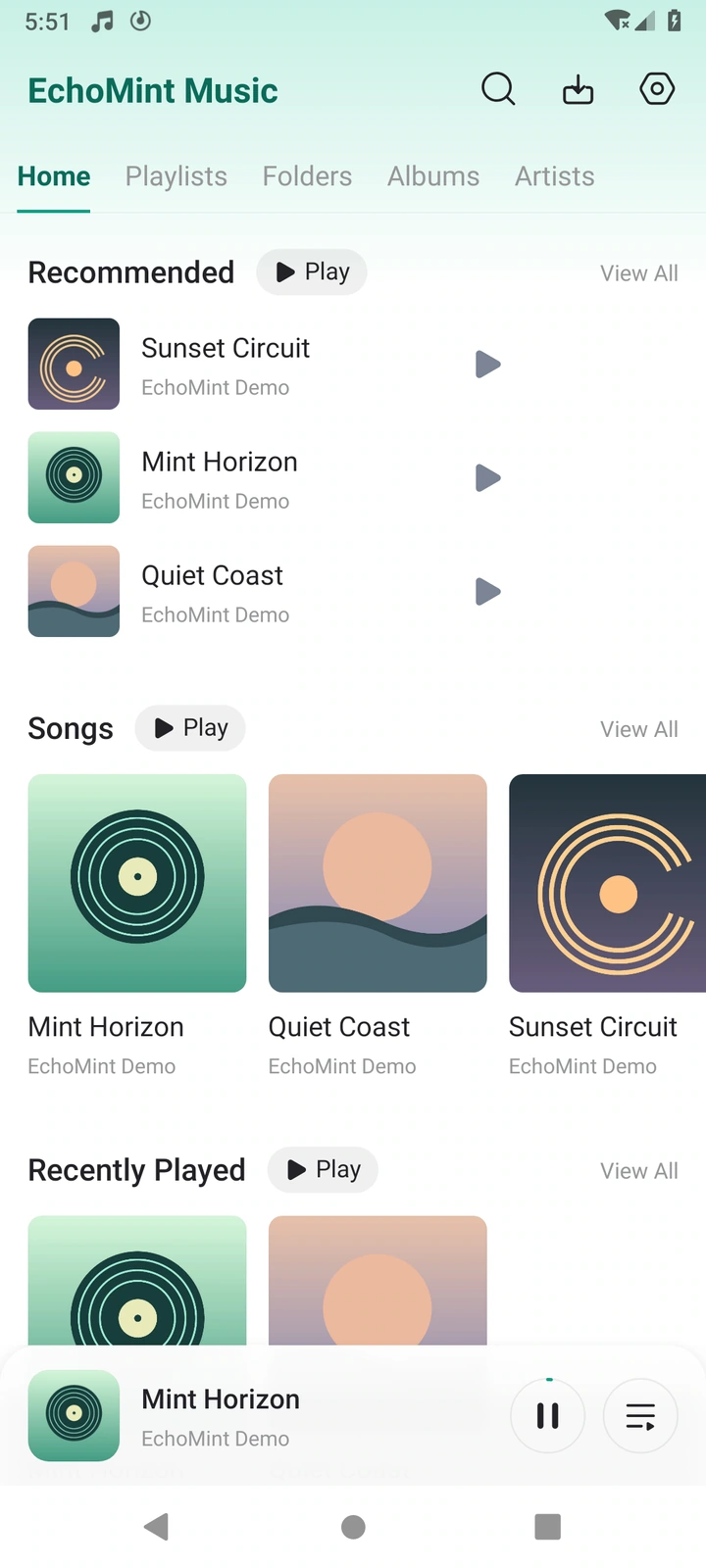
Use files you already have on your phone or tracks you select from your music server.
Choose audio in the Android file picker or share files to EchoMint. Cloud files appear when your provider makes them available in the picker.
Create playlists from your library. Import M3U or M3U8 playlists to match entries with tracks already on your device.
Browse WebDAV folders or Navidrome albums and playlists. Save selected tracks to play offline.
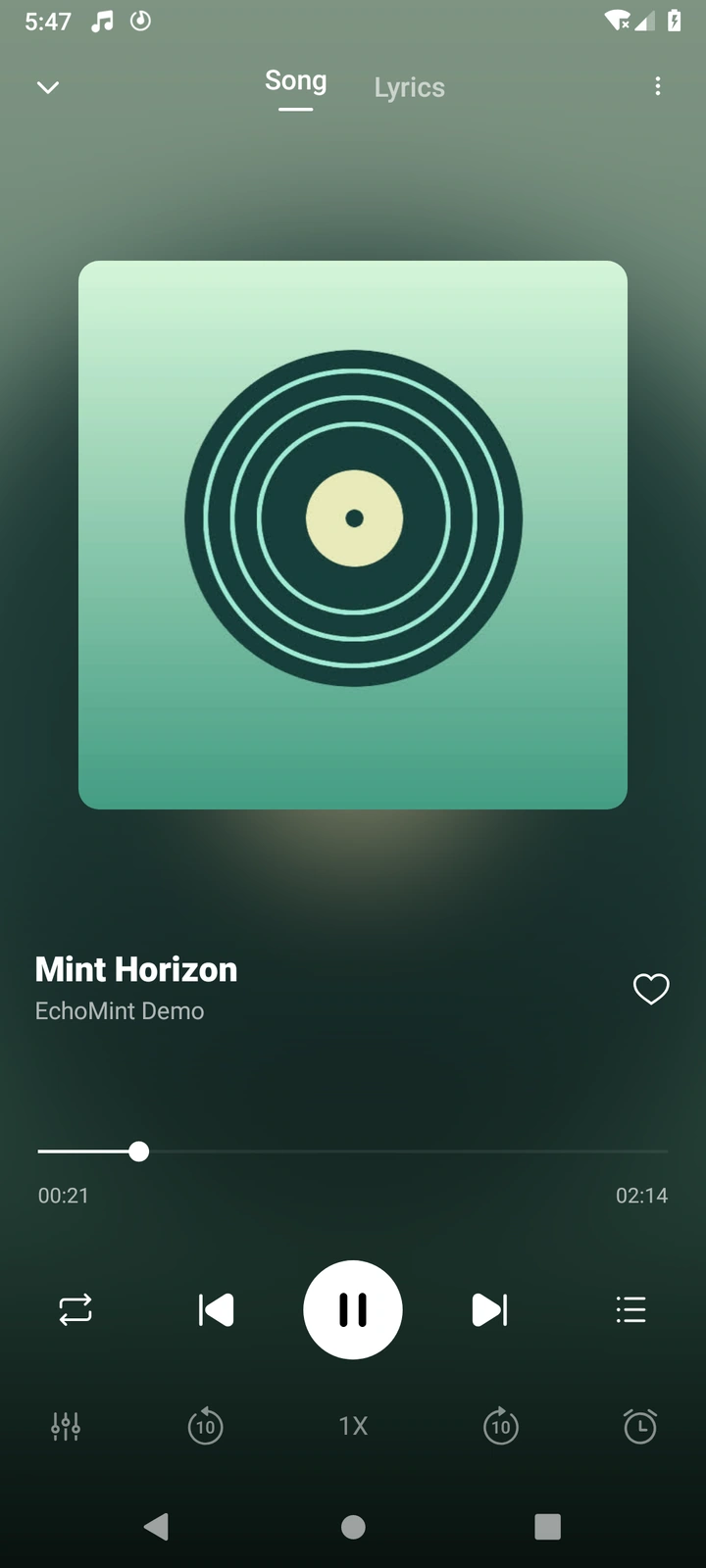
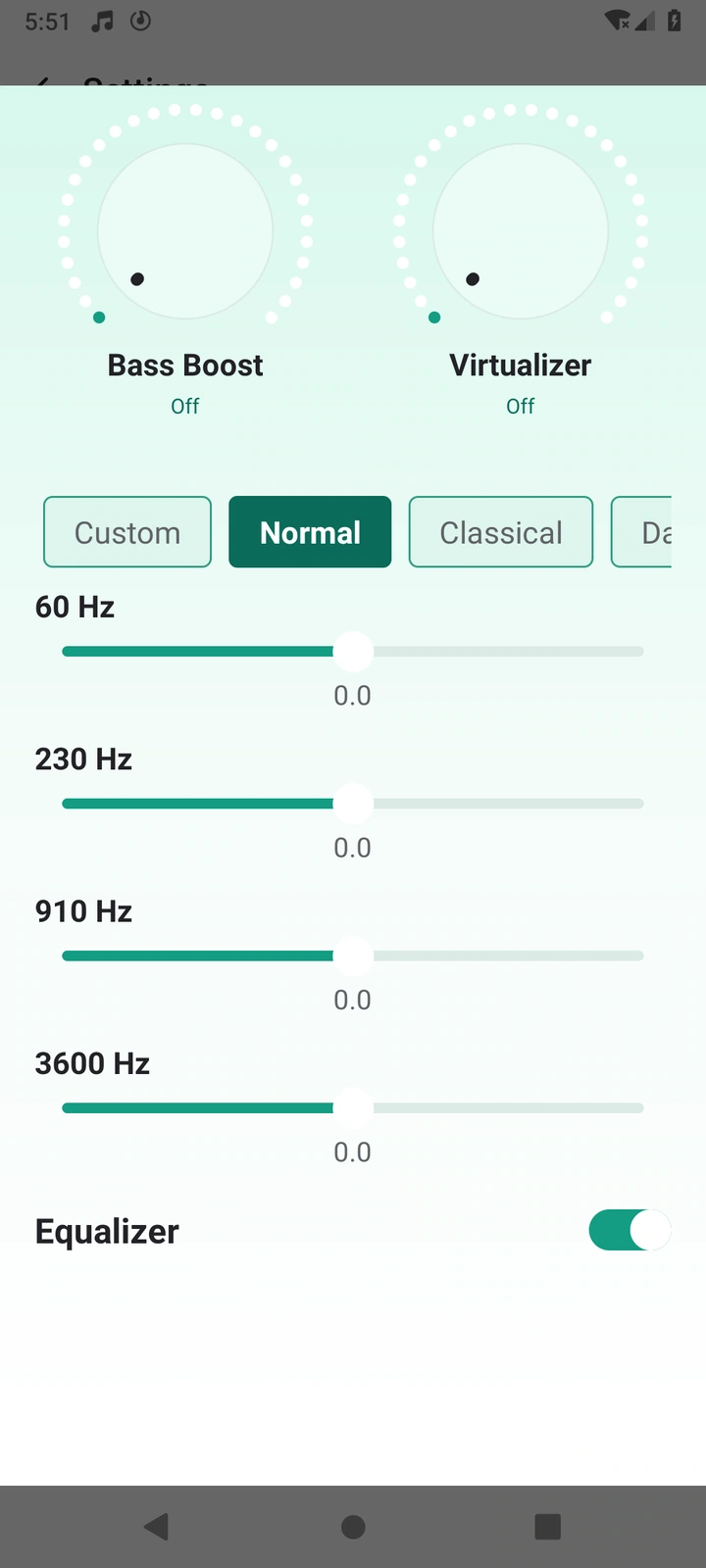
Choose an equalizer preset or adjust the bands. Set a sleep timer to stop playback after the time you choose.
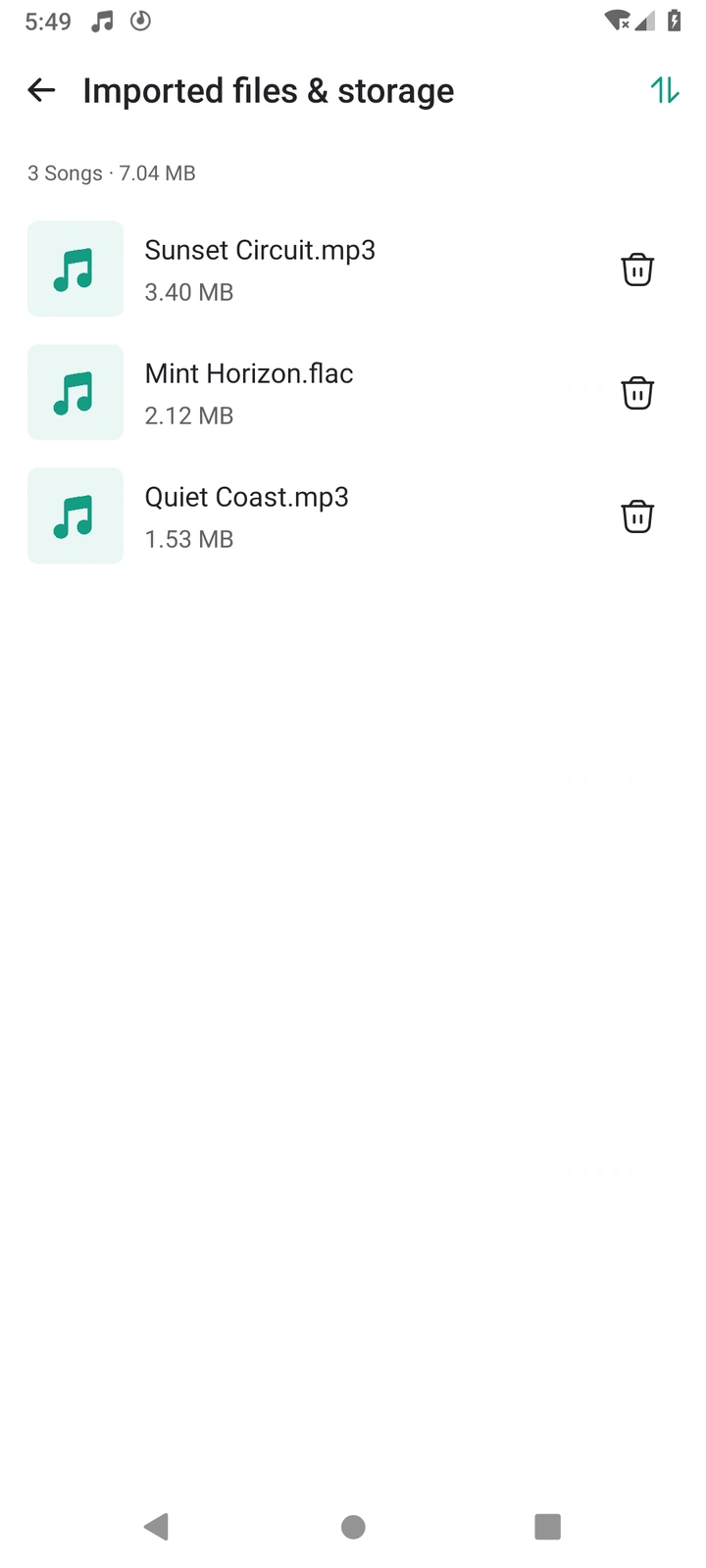
See total space and file sizes, sort from largest to smallest, and choose which imported copies to delete.